
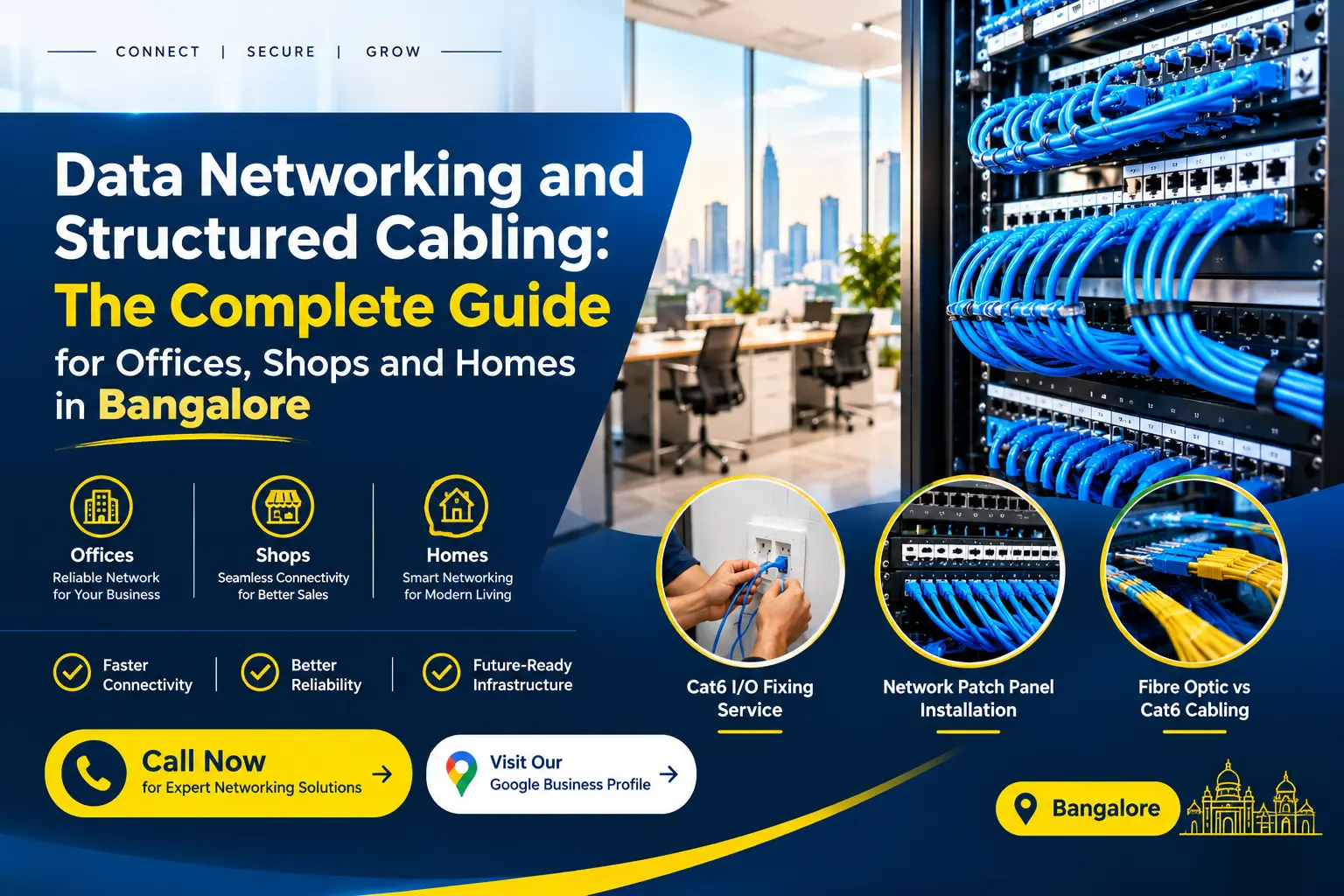
Data Networking and Structured Cabling: The Complete Guide for Offices, Shops and Homes in Bangalore
Are slow network connections, faulty Ethernet outlets, or tangled cables disrupting your work? A properly planned network can make it easier to connect computers, printers, Wi-Fi access points, and compatible IP CCTV cameras. This guide explains how data networking and structured cabling in Bangalore work, how to choose between Cat6 and fibre-optic cabling, and what to check before hiring an installer. Whether you manage an office, run a shop, or need reliable wired connectivity at home, understanding the basics can help you choose a solution that fits your requirements and budget. You can reach out directly to Valuable CCTV System at 095916 47466 or visit our office in Wilson Garden, Bangalore to discuss your networking requirements.
Table of Contents
-
What Is Data Networking and Structured Cabling, and Why Does It Matter?
-
Which Is Better for Your Property: Cat6 or Fibre-Optic Cabling?
-
How Do You Plan Data Cabling for a Small Office in Bangalore?
-
Why Is Your Ethernet Wall Socket Not Working?
-
What Happens During Cat6 Cabling Installation in Bangalore?
-
When Should You Hire a Structured Cabling Contractor in Bangalore?
-
Which Bangalore Areas Does Valuable CCTV System Serve?
-
Frequently Asked Questions
-
Ready to Improve Your Network Connectivity in Bangalore?
What Is Data Networking and Structured Cabling, and Why Does It Matter?
Data networking connects digital devices so they can transmit data seamlessly across a local area network (LAN) or over the internet. Structured cabling provides a standardized, organized architecture using unified cabling components, patch panels, and standardized connectors.
[ Router / ISP Gateway ]
          │
          ▼
   [ Core Switch ] ────► [ Patch Panel ] ────► [ Ethernet Wall Outlets ]
                                                       │
                                 ┌─────────────────────┼─────────────────────┐
                                 ▼                     ▼                     ▼
                             [ Workstation ]     [ IP Camera ]        [ Wi-Fi AP ]
How does structured cabling connect your devices?
In a structured cabling setup, all fixed cable runs travel cleanly behind walls, inside floor raceways, or above drop ceilings to central network racks. Cables terminate at a network patch panel installation, which links directly to network switches and routers. From there, short patch cords connect wall sockets (I/O points) directly to computers, network printers, smart TVs, and compatible IP cameras.
What problems can organised network cabling help prevent?
An unorganized network—often called a “spaghetti network”—causes signal interference, accidental cord pull-outs, and severe heat buildup in server closets. Implementing standardized data networking and structured cabling in Bangalore prevents:
-
Difficult Fault Tracing: Labeled patch points allow network administrators to isolate failing lines immediately.
-
Unplanned Downtime: Proper cable routing shields copper lines from electrical noise caused by high-voltage power lines.
-
System Expansion Roadblocks: Adding a workstation or IP camera requires simply patching an existing terminal rather than running a fresh line across the floor.
Which Is Better for Your Property: Cat6 or Fibre-Optic Cabling?
Choosing the right transmission medium depends on site layout, required data speeds, and total distance.
| Parameter | Cat6 / Cat6A Copper Cabling | Fibre-Optic Cabling (Single/Multi-mode) |
| Max Distance | 100 meters (328 ft) per run | Up to 10–40 kilometers |
| Data Throughput | 1 Gbps up to 10 Gbps (Cat6A) | 10 Gbps to 100+ Gbps |
| Interference | Vulnerable to nearby high-voltage EMI | 100% immune to electromagnetic noise |
| Best Used For | Workstations, IP cameras, VoIP phones | Multi-floor backbones, long-distance links |
When is Cat6 cabling suitable for offices, shops, and homes?
Cat6 cable remains the industry standard for short to mid-range indoor connections. It provides up to 10 Gbps speeds over shorter distances and 1 Gbps up to 100 meters. It is ideal for connecting local desktops, access points, and data cabling for small office environments.
When should you consider fibre-optic cabling?
Fibre-optic cables use light pulses instead of electrical signals over copper wire. Choose fibre optics when connecting network racks between separate buildings, wiring across multiple floors, or in environments with heavy industrial machinery that causes electrical interference. Selecting between Cat6 and fibre-optic cabling depends entirely on distance limits, equipment hardware interfaces, and overall bandwidth requirements.
How Do You Plan Data Cabling for a Small Office in Bangalore?
Planning ahead prevents costly re-cabling projects when your team expands.
How many Ethernet points does your office need?
Calculate your network drops using this simple baseline checklist:
-
Workstations: 2 ports per desk (1 primary desktop line + 1 IP phone/backup line).
-
Wireless Access Points (WAPs): 1 ceiling-mounted PoE drop per 1,000 sq. ft.
-
Network Printers & NAS: 2 dedicated lines in central utility zones.
-
IP CCTV Security System: 1 PoE drop per camera location.
-
Conference Rooms: 2–4 table-level I/O points for video conferencing gear.
What should a structured cabling quotation include?
A transparent estimate from a cabling service provider should itemize:
-
Material Specs: Cable category (Cat6 UTP/STP), brand (e.g., D-Link, Finolex, Molex), patch panels, and PVC conduits.
-
Labor Charges: Per-node or per-meter installation charges.
-
Execution Scope: Cat6 cable termination, testing, numerical port labeling, and raceway fitting.
-
Exclusion Terms: Civil repair, main electrical wiring, or specialized ceiling work.
Why Is Your Ethernet Wall Socket Not Working?
An Ethernet wall socket not working can halt business operations. Isolating the issue systematically saves time.
[ Step 1: Check Connection ] ──► [ Step 2: Swap Patch Cord ] ──► [ Step 3: Check Switch Port ]
         │                                 │                                 │
         ▼                                 ▼                                 ▼
Re-seat RJ45 cable connectors    Test with a known-working line      Verify link light status
How can you check whether the problem is the cable, socket, or switch?
-
Check Physical Connections: Firmly push the RJ45 connector into the wall I/O socket until you hear a clear click sound.
-
Swap the Patch Lead: Replace the existing patch cable between your computer and the wall jack with a known-working cable.
-
Inspect the Network Switch: Look at the corresponding port status light on your network switch/router to confirm whether a physical link is active.
When should you call a network technician?
If basic checks fail, the issue may involve internal cable damage, oxidation inside the wall keystone jack, or incorrect pin wiring. Contacting a professional for Cat6 I/O fixing service Bangalore ensures specialized wire map continuity testers find broken pairs without damaging wall surfaces.
What Happens During Cat6 Cabling Installation in Bangalore?
Understanding the installation process helps keep your network project on schedule and within budget.
What are the main steps in a Cat6 installation?
-
Site Inspection: Technicians map pathways, identify structural walls, and select central rack locations.
-
Trunking & Cable Pulling: High-grade PVC conduits or cable trays are mounted to run bundled Cat6 lines safely.
-
Rack & I/O Termination: Wire conductors are punched down onto RJ45 keystone jacks and central patch panels.
-
Wiremap Testing: Continuity testers verify data transmission across all eight copper strands.
-
Labeling & Handover: Every port receives a matching ID at both the wall plate and the rack patch panel.
How can you check whether the installation is complete?
Verify that all wall plates are secured flush against surfaces, patch panels match the port numbering plan, and test reports show no split pairs or open circuits.
When Should You Hire a Structured Cabling Contractor in Bangalore?
Outsourcing network infrastructure to an experienced structured cabling contractor Bangalore protects your hardware investments.
What should you ask before hiring a cabling contractor?
-
Do you use 100% solid copper cables rather than copper-clad aluminum (CCA) wires?
-
Are testing and port-labeling included in the base quote?
-
What post-installation support or warranty terms apply to physical terminations?
What information helps you get an accurate quotation?
Providing your installer with floor layouts, approximate drop counts, building construction type (drywall vs. solid concrete), and target timeline speeds up accurate estimates.
Which Bangalore Areas Does Valuable CCTV System Serve?
Valuable CCTV System provides on-site infrastructure design, line testing, and network cabling services across major Bangalore commercial hubs and residential zones, including:
-
Central & South Bangalore: Wilson Garden, Koramangala, Jayanagar, JP Nagar, BTM Layout, Indiranagar.
-
IT Corridors & Tech Parks: Electronic City, Whitefield, Marathahalli, Bellandur, Outer Ring Road (ORR).
-
North & West Hubs: Rajajinagar, Malleshwaram, Hebbal, Yelahanka, Manyata Tech Park.
What Are the Most Common Questions About Cat6 Cabling?
How much does Cat6 cabling installation cost in Bangalore?
Professional network cabling installation typically ranges from ₹200 to ₹850 per node/point for labor, depending on layout complexity, conduit routing, and rack punch-down requirements. Material costs for high-grade 100% copper Cat6 boxes (305 meters) range between ₹4,000 and ₹8,000 based on brand choices like D-Link, Finolex, or Molex.
Is Cat6 enough for a small office network?
Yes. Cat6 cables handle data transfer rates up to 1 Gbps effortlessly and support 10 Gbps over shorter distances under 55 meters, making them well-suited for typical business applications.
How do I fix an Ethernet wall socket that is not working?
Check for loose patch cables, test with another computer, and inspect the port lights on your switch. If the link remains dead, a technician can re-terminate the internal keystone jack or trace broken conductors using wire map tools.
What is Cat6 cable termination?
It is the precise process of stripping the outer jacket of an Ethernet cable and punching down its individual copper wire pairs onto RJ45 keystone sockets or patch panel blocks using standard T568A or T568B wiring schemes.
Do I need a network patch panel for a small office?
Yes. A network patch panel installation consolidates fixed wall cables into a central location. This reduces strain on network switches, simplifies troubleshooting, and keeps server racks neat.
Can the same cabling support computers and IP CCTV cameras?
Yes. Standard Cat6 cabling carries both digital network data and Power over Ethernet (PoE) to operate IP surveillance cameras, VoIP phones, and Wi-Fi access points over a single line.
Ready to Improve Your Network Connectivity in Bangalore?
Investing in professional data networking and structured cabling in Bangalore eliminates unstable Wi-Fi dead zones, speeds up file transfers, and simplifies future hardware upgrades. Organised network cabling protects your business operations from downtime and helps keep your workspace safe and efficient.
Whether you need a new Cat6 setup, rack organization, or repairs for non-working wall points, we are here to help.
-
Call Us Today: Speak directly with our technical team at 095916 47466
-
Visit Our Office: Located in Wilson Garden, Bangalore.
-
Check Online Reviews & Directions: Visit our official Google Business Profile to view directions, business details, and client feedback.
What challenges are you facing with your current network setup?
Have you experienced slow internet speeds, dead wall sockets, or messy cables in your office or home? Share your questions or experiences in the comments below—we would love to help you find the right setup!

Siddu Swami Hiremath is the Founder & CEO of Valuable Security Solution, a Bengaluru-based company specializing in CCTV camera installation, electronic security systems, and surveillance solutions. With over 15 years of hands-on experience in the security industry, he has helped homeowners, businesses, apartments, offices, schools, and industrial facilities implement reliable CCTV systems, access control systems, biometric attendance solutions, fire alarm systems, and burglar alarm systems. His expertise in designing customized security solutions has made Valuable Security Solution a trusted name for CCTV installation in Bangalore. Known for same-day site surveys, professional installation, best-price guarantee, and 24/7 technical support, Siddu is committed to delivering advanced security solutions that ensure long-term safety, protection, and peace of mind.