
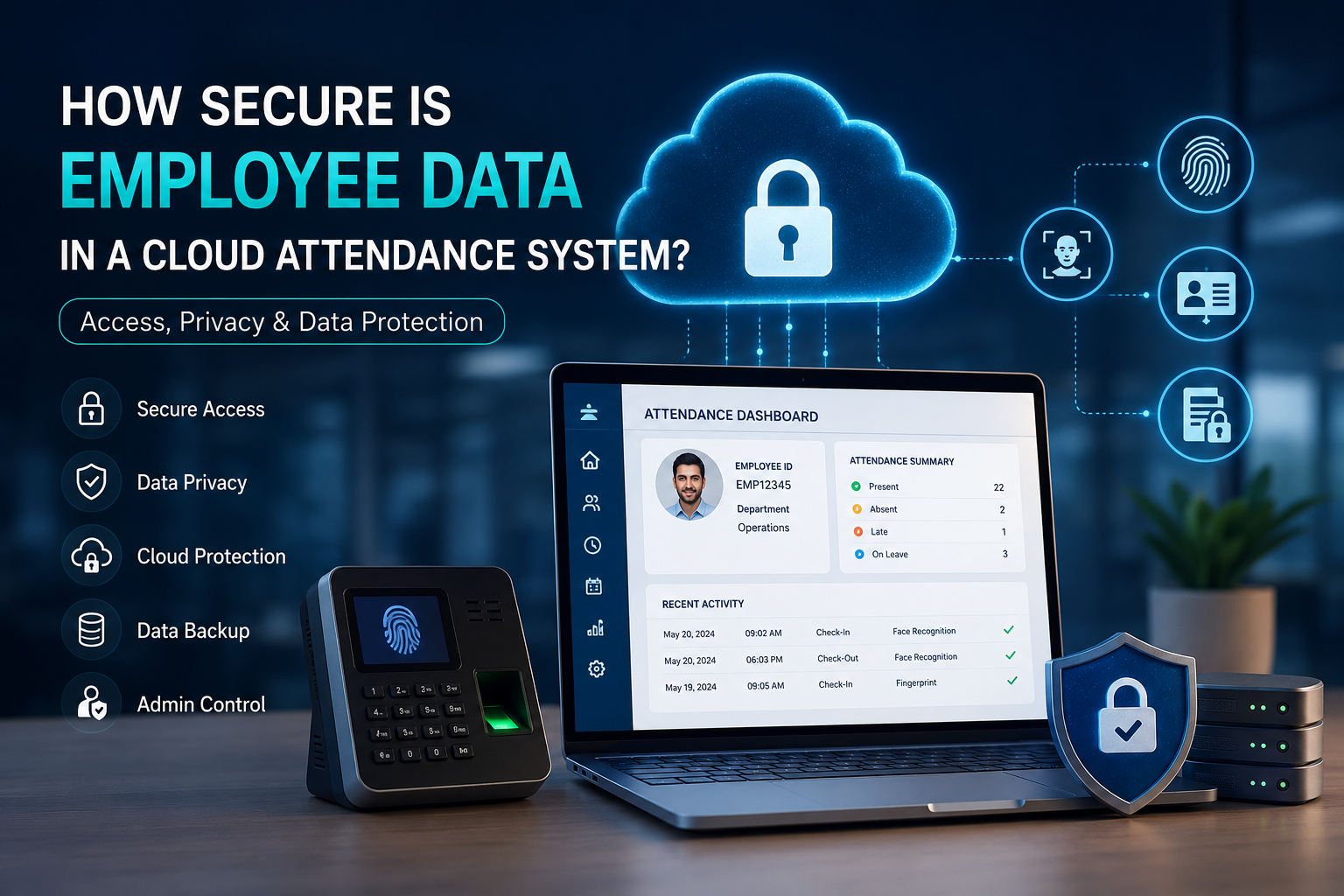
How Secure Is Employee Data in a Cloud Attendance System? Access, Privacy & Data Protection
Biometric time tracking terminals process far more than basic clock-in and clock-out timestamps. Depending on the hardware deployed across a facility, these units capture encrypted fingerprint templates, facial geometry coordinates, employee identification numbers, and department records.
When organizations deploy a modern biometric attendance system in Bangalore and transition to cloud infrastructure, understanding employee data security in cloud attendance systems becomes a critical operational priority. How is this sensitive information protected against network interception, database leakage, and unauthorized internal access?
Evaluating security requires looking beyond generic software claims. Businesses must examine the actual data transmission pathways, database encryption standards, and user access permissions governing employee records.
What Employee Data Does a Biometric Attendance System Collect?
Before evaluating protective controls, it is necessary to identify what data resides within the attendance platform. A biometric attendance platform collects three layers of information: mathematical templates of physical identifiers, time-stamped attendance events tied to an Employee ID, and basic organizational metadata.
Biometric Data Such as Fingerprints and Face Recognition
Biometric hardware records specific physical characteristics to verify identity. When deploying a face recognition attendance system in Bangalore or an optical fingerprint reader, the sensor does not store raw photos or full fingerprint images. Instead, the terminal analyzes facial nodal points or fingerprint minutiae to generate an encrypted binary template.
This distinction is critical for biometric data privacy and biometric data security. A mathematical string cannot be reverse-engineered back into a recognizable human face or fingerprint image.
Employee IDs and Attendance Records
The primary operational function of the software is logging workforce time events. The database records unique Employee IDs, exact check-in and check-out timestamps, shift timings, overtime hours, and daily attendance status.
Maintaining rigorous employee attendance data security is vital because these logs directly govern payroll processing. Strict controls prevent unauthorized modifications to working hours, unapproved shift overrides, or deleted absentee records.
Other Personal Information
To categorize attendance logs effectively, the software associates biometric punches with standard organizational profiles. This typically includes employee names, branch locations, department designations, official email addresses, and contact numbers.
Applying strict employee data protection protocols across these records shields the internal company directory from external exposure and internal data misuse.
How Employee Data Security in Cloud Attendance Systems Is Maintained
Employee data is protected in cloud attendance systems through a multi-layered security architecture: SSL/TLS encryption for data in transit, AES-256 encryption for data at rest, role-based admin access permissions, multi-factor authentication, and redundant automated cloud backups.
A reliable cloud-based biometric attendance system in Bangalore uses overlapping technical barriers to maintain employee data security in cloud attendance systems.
Data Encryption During Storage and Transmission
Data requires active protection both during network transit and while stored at rest on remote servers. When an employee marks attendance, the terminal transmits the timestamp to the central platform using TLS/SSL encryption protocols, ensuring data transmission security over local network connections.
Once received by the secure cloud infrastructure, biometric data encryption (such as AES-256) scrambles the database files. Even in the event of an infrastructure breach, the encrypted files remain indecipherable without the corresponding cryptographic keys.
Authentication and Secure User Login
Database encryption secures backend storage, but robust authentication controls manage the front-end application layer. Access to the management dashboard requires unique credentials, complex passwords, and session-timeout rules to prevent unauthorized entry.
Deploying multi-factor authentication introduces a secondary verification step. This ensures that a compromised password alone cannot grant an attacker access to administrative tools or workforce records.
Role-Based Access and Admin Permissions
Enterprise security models follow the principle of least privilege, ensuring staff members only access data necessary for their job role. Through role-based access and granular admin permissions, system privileges are strictly segmented across organizational tiers.
An HR administrator retains full access control to edit and export company logs, while a branch supervisor possesses view-only rights for their assigned department. Individual employees receive dedicated self-service logins restricted exclusively to their personal attendance history.
Data Backup and Recovery
Comprehensive security safeguards data against physical hardware failure, database corruption, and system crashes. Secure cloud platforms maintain automated data backup schedules, creating encrypted snapshots of the attendance database across geographically redundant servers.
If a server disruption occurs, standardized disaster recovery protocols allow technical teams to execute rapid data recovery. This ensures uninterrupted business continuity without the loss of historical time records.
Who Can Access Employee Attendance and Biometric Data?
Only authorized personnel with predefined role permissions can access employee attendance and biometric data. This includes system administrators, designated HR managers, departmental supervisors with localized view rights, and individual employees checking personal records through self-service portals.
Access is strictly governed by organizational hierarchy and user permissions. High-level administrators configure workforce rules, shift rosters, and payroll exports across all operating units. Middle management and branch supervisors are restricted to reviewing attendance metrics for their assigned teams without access to global configuration settings.
Third-party vendor technicians may access server environments only under strict supervision during scheduled software maintenance. Secure platforms log every administrative session, generating immutable access logs that detail which user accessed, exported, or modified specific employee records.
How Cloud Attendance Systems Help Prevent Unauthorised Access
Cloud architectures mitigate the risk of unauthorised access through automated preventive controls and continuous session monitoring. If an unrecognized user attempts to access the management portal, integrated access control systems enforce automatic IP filtering and rate-limiting to block brute-force password guessing.
Centralized user access management allows administrators to instantly terminate credentials when an employee changes roles or leaves the organization. Furthermore, automated cybersecurity monitoring scans for anomalous behavior, such as bulk data exports during non-business hours, functioning as an active mechanism for data breach prevention.
What Happens to Biometric and Attendance Data When an Employee Leaves?
When an employee leaves, their active system access is immediately revoked, their biometric template is permanently deleted from hardware terminals, and their historical attendance logs are archived in compliance with statutory corporate data retention policies.
Organizations must maintain clear administrative workflows for employee offboarding to ensure employee data privacy. The first step involves deactivating user credentials and removing the individual’s profile from physical biometric terminals, ensuring they can no longer access physical facilities or log into the software.
Managing the stored data requires a balanced data retention and data deletion protocol. While best practices recommend the immediate deletion of mathematical biometric templates upon exit, standard attendance records are typically archived securely for a legally mandated period to fulfill tax, labor compliance, and payroll auditing requirements.
What Happens If Employee Attendance Data Is Lost or Compromised?
If attendance data is compromised or lost, cloud systems initiate disaster recovery from automated snapshots, utilize immutable audit logs to isolate the point of failure, and deploy security incident protocols to prevent further unauthorized access.
Data Backup and Recovery
If an administrative error or database glitch corrupts attendance records, system administrators can restore data from automated cloud snapshots. These redundant backups allow businesses to roll back databases to a specific hour, preventing operational downtime or missing payroll records.
Access Logs and Security Monitoring
When unusual activity occurs, administrative access logs provide a forensic timeline of all database interactions. Security personnel review these audit trails to identify the specific user account, IP address, and timestamp associated with unauthorized changes, enabling rapid containment of internal policy violations.
Data Breach Response
In the event of an external security incident, enterprise cloud providers activate defined cybersecurity response procedures. These measures include isolating affected network segments, patching vulnerabilities, and providing forensic reporting to the business so appropriate internal and regulatory actions can be completed.
Is Biometric Attendance Data More Sensitive Than Regular Attendance Data?
Yes. Biometric data is permanent and tied directly to physical identity, whereas standard attendance data consists only of numeric IDs and timestamps. A compromised password can be reset, but compromised biometric data cannot, requiring higher encryption and privacy standards.
Regular attendance information comprises an Employee ID, timestamps, and leave status codes. While confidential to the organization, this tabular data carries low utility for external bad actors seeking identity theft.
Biometric templates derived from facial geometry or fingerprint minutiae represent permanent biological identifiers. This elevates the requirement for biometric data privacy and robust biometric attendance security. Modern biometric devices mitigate this risk by applying one-way cryptographic hashing, ensuring that stored biometric coordinates cannot be reconstructed into usable physical images.
Security Features to Check Before Choosing a Cloud Attendance System
When evaluating a cloud attendance platform, businesses must verify specific technical safeguards before finalizing a procurement contract.
Data Encryption
Verify that the vendor implements end-to-end biometric data encryption, protecting data both in transit (TLS 1.3) and at rest (AES-256) across all storage databases.
Authentication and Access Control
Ensure the platform mandates multi-factor authentication and supports granular role-based access to prevent unauthorized administrative privilege escalation.
Backup and Data Recovery
Confirm the frequency of automated data backup cycles, verify server redundancy, and review the provider’s documented Recovery Time Objective (RTO) for disaster recovery.
Admin Permissions and Access Logs
Select software that provides customizable admin permissions and exports unalterable, time-stamped access logs for internal compliance audits.
Data Retention and Deletion Controls
Check that the software includes self-service tools for automated data retention scheduling and permanent biometric data deletion during employee offboarding.
Security and Privacy Policies
Review the provider’s formal cloud data protection agreements to ensure they do not mine, monetize, or transfer company attendance records to unverified third parties.
How Businesses Can Improve Employee Data Security
Maintaining strong employee data protection requires strict internal operating discipline alongside secure software tools:
-
Enforce Strict Administrative Limits: Restrict system configuration privileges to designated HR personnel and avoid shared administrative logins.
-
Mandate Strong Password Hygiene: Require complex passwords and enforce multi-factor authentication across all supervisory accounts.
-
Audit Permissions Regularly: Perform quarterly reviews of user privileges to revoke access for reassigned or promoted staff.
-
Execute Timely Offboarding: Immediately deactivate credentials and delete biometric templates when personnel exit the organization.
-
Monitor Audit Trails: Regularly review system access logs to detect unusual data export patterns or unauthorized punch adjustments.
-
Establish Documented Policies: Define formal internal data retention schedules and train staff on general cybersecurity awareness.
Is a Cloud-Based Biometric Attendance System Safe for Businesses?
Yes, cloud-based biometric attendance systems are highly safe when built on enterprise-grade encrypted infrastructure and configured with strict role-based access controls, provided the organization enforces proper credential hygiene and offboarding policies.
A modern cloud platform provides substantially higher data resilience and physical security than storing unencrypted spreadsheets on a local office computer. Enterprise hosting facilities offer continuous firewall monitoring, physical security, and automated disaster recovery capabilities that exceed standard on-premise IT setups.
However, overall safety remains a shared operational responsibility. While the technology provider supplies encryption and platform defenses, the enterprise must maintain disciplined user permissions, secure passwords, and consistent administrative oversight to ensure complete employee data security in cloud attendance systems.
Ready to build a faster, more secure attendance network?
Call Us: +91-09972047466 Available for urgent security needs & installation support
Email: contact@valuablecctvsolution.com
Visit Our Office: 50/6 5th main road, 12th Cross Rd, Wilson Garden, Bengaluru, Karnataka 560027
Google Maps: Check Our Google My Business Listing for Reviews
Frequently Asked Questions About Employee Data Security
Is biometric attendance data secure?
Yes. Modern biometric systems do not store raw images of fingerprints or faces. They convert biological features into encrypted, one-way mathematical algorithms that cannot be reverse-engineered, ensuring strong biometric data security.
Is employee attendance data safe in the cloud?
Yes. Storing attendance data in secure cloud facilities provides higher protection than local computers. Reputable providers maintain continuous server encryption, automated backups, and dedicated firewall defenses to preserve employee attendance data security.
Can biometric attendance data be hacked?
While any digital network faces theoretical risks, intercepting encrypted biometric templates yields unreadable mathematical strings. Combining strong user authentication with encrypted transmissions makes biometric software highly resilient against unauthorized extraction.
Who can access employee attendance data?
Access is strictly restricted based on administrative roles defined by the employer. System administrators manage company-wide parameters, supervisors view department records, and employees access only their personal logs through secure portals.
Is biometric attendance data encrypted?
Yes. Enterprise platforms apply biometric data encryption both while data travels across network connections (in transit) and while stored on central databases (at rest) using standards like AES-256.
How is employee data protected in cloud attendance systems?
Data protection utilizes multi-layered defenses: network encryption protocols, granular access permissions, regular vulnerability patching, and automated data backups that protect information from both external breaches and internal misuse.
What happens to employee data after an employee leaves?
Upon termination, the administrator deactivates login credentials and permanently deletes the stored biometric template, while historical attendance records are archived safely to satisfy statutory payroll and tax auditing rules.
How does a cloud attendance system prevent unauthorised access?
Cloud platforms block unauthorized access through multi-factor authentication, automatic session timeouts, brute-force login lockouts, and comprehensive access logs that record all administrative activity.
What Businesses Should Check Before Moving to Cloud Attendance
Before transitioning to cloud-managed workforce monitoring, business decision-makers should verify five core security pillars:
-
Data Collection Scope: Confirm whether the hardware captures raw imagery or encrypted mathematical templates.
-
Encryption Standards: Verify end-to-end cryptographic protocols for data transmission and database storage.
-
Access Governance: Ensure the platform supports granular, role-based administrative permission controls.
-
Backup Architecture: Validate automated data backup routines and documented disaster recovery timelines.
-
Lifecycle Management: Confirm the availability of straightforward tools for permanent biometric template deletion upon employee departure.
Evaluating these technical criteria alongside the operational benefits of biometric attendance systems in Bangalore ensures a secure, compliant, and highly reliable deployment.
For personalized advice on your security needs, feel free to contact our team at Valuable CCTV Solution to schedule a consultation.

Siddu Swami Hiremath is the Founder & CEO of Valuable Security Solution, a Bengaluru-based company specializing in CCTV camera installation, electronic security systems, and surveillance solutions. With over 15 years of hands-on experience in the security industry, he has helped homeowners, businesses, apartments, offices, schools, and industrial facilities implement reliable CCTV systems, access control systems, biometric attendance solutions, fire alarm systems, and burglar alarm systems. His expertise in designing customized security solutions has made Valuable Security Solution a trusted name for CCTV installation in Bangalore. Known for same-day site surveys, professional installation, best-price guarantee, and 24/7 technical support, Siddu is committed to delivering advanced security solutions that ensure long-term safety, protection, and peace of mind.